
Fishbone Chart
A fishbone chart — also called an Ishikawa or cause-and-effect diagram — helps a team find the root causes of a problem instead of treating symptoms. Write the problem at the head, the main cause categories on the bones, and brainstorm specific causes along each one. These printable templates cover manufacturing (6M), service (4S), marketing (4P) and blank versions, with a filled-in example and an Excel log for prioritising causes.
- Instant download
- Editable Word & Excel
- Print-ready PDF
- 7-day refund
7 files · PDF, DOCX, XLSX
Fishbone Diagram Template Pack
Printable fishbone (Ishikawa) diagrams — blank, 6M, 4S, 4P and a filled example — plus an editable Word template, an Excel cause log with 5 Whys and a facilitator checklist.
- Blank fishbone (PDF)
- 6M fishbone (PDF, DOCX)
- 4S fishbone (PDF)
- + 4 more
$5.00 USD, one-time 7 files · about $0.71 each
- Instant download
- 7-day refund
- Secure checkout by Stripe
7-day money-back guarantee. Full refund within 7 days of purchase, even after you download.
Free sample: Fishbone Blank (PDF, 39 KB)
Fishbone Diagram Template Pack
Printable fishbone (Ishikawa) diagrams — blank, 6M, 4S, 4P and a filled example — plus an editable Word template, an Excel cause log with 5 Whys and a facilitator checklist.
- Blank fishbone (PDF)
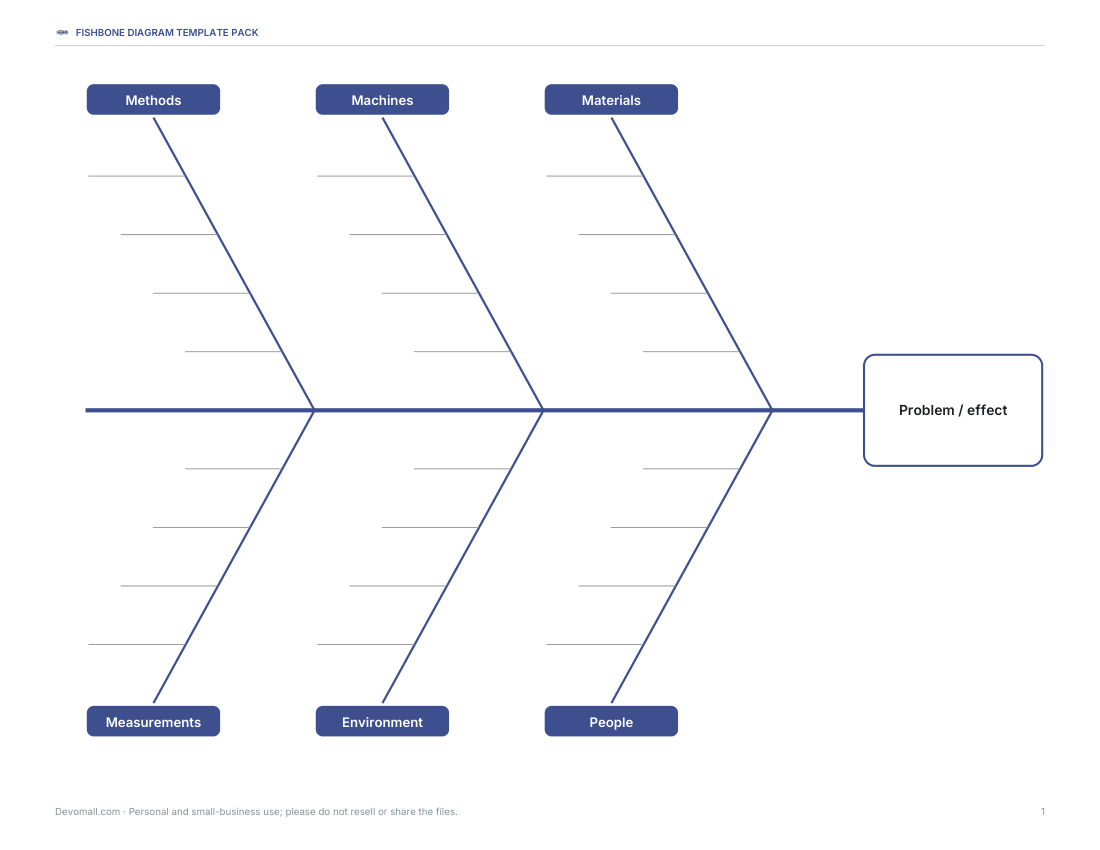
- 6M fishbone (PDF, DOCX)
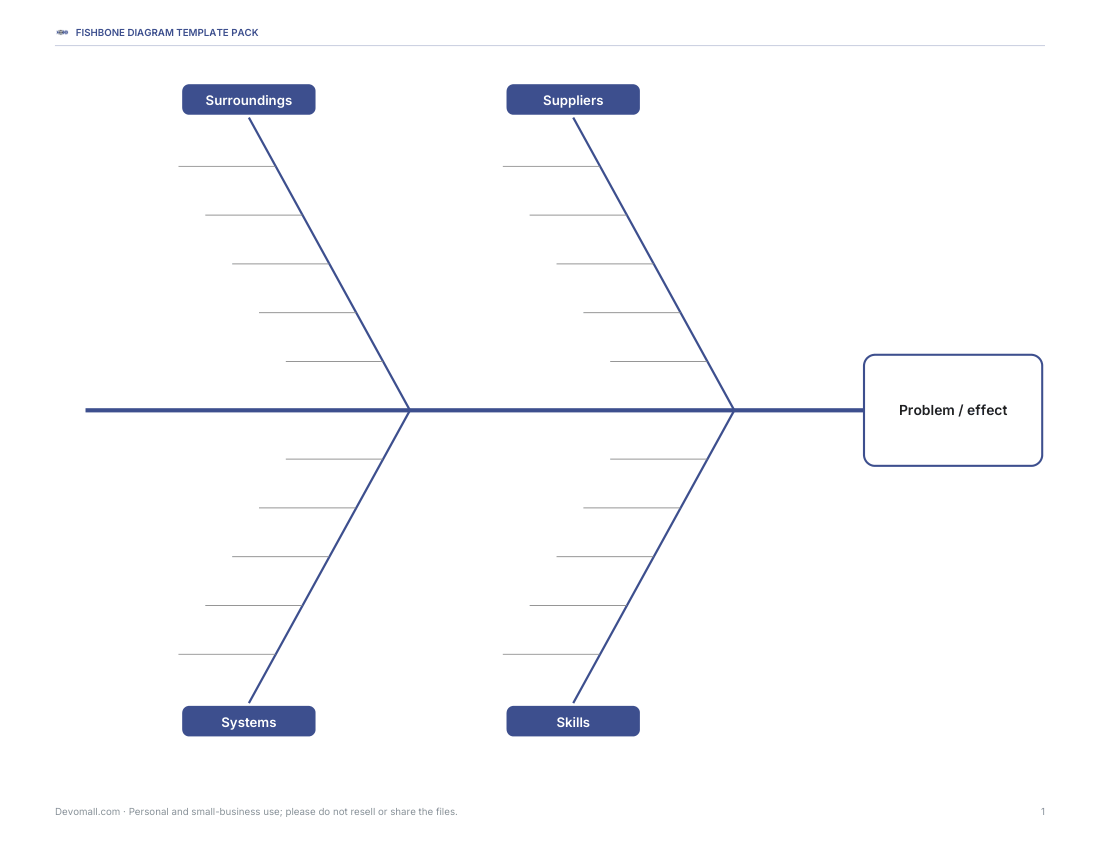
- 4S fishbone (PDF)
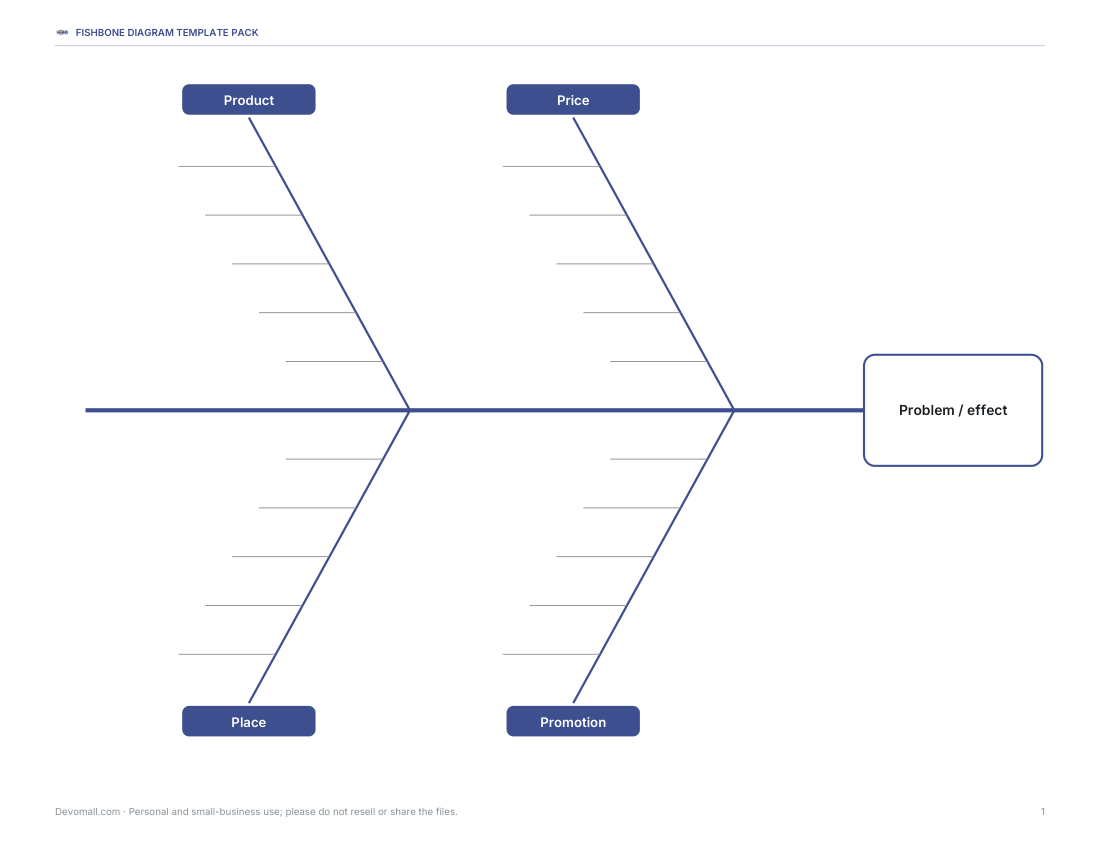
- 4P fishbone (PDF)
- Worked example (PDF)
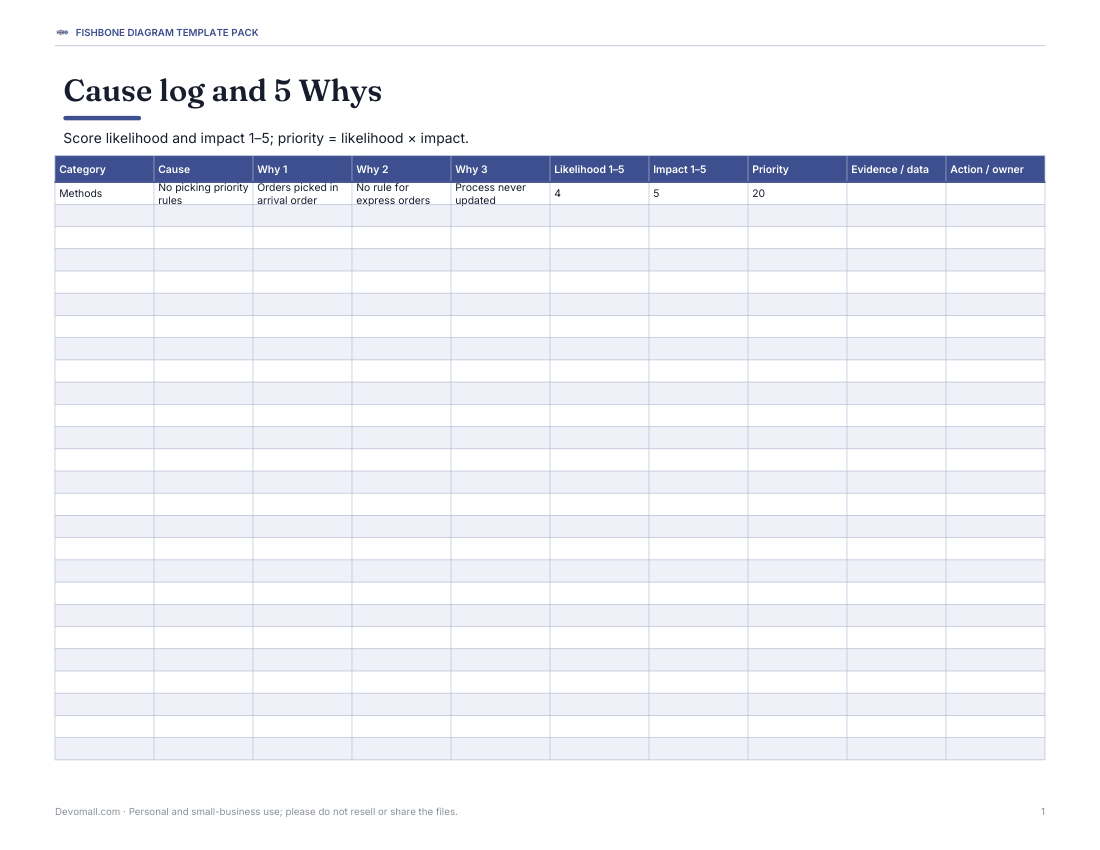
- Cause log (XLSX)
- Facilitator checklist (PDF, DOCX)
Formats: PDF, DOCX, XLSX. Instant download after payment (link valid 72 hours, up to 5 downloads). AI-assisted: the templates were drafted with AI help and reviewed and laid out before publishing.
$5.00 USD, one-time 7 files · about $0.71 each
- Instant download
- 7-day refund
- Secure checkout by Stripe
7-day money-back guarantee. Full refund within 7 days of purchase, even after you download.
Free sample: Fishbone Blank (PDF, 39 KB)
Full refund within 7 days — see the refund policy and license.
Free printables
Single sheets you can print right now, no sign-up. The full pack adds every sheet in one download plus the editable files.
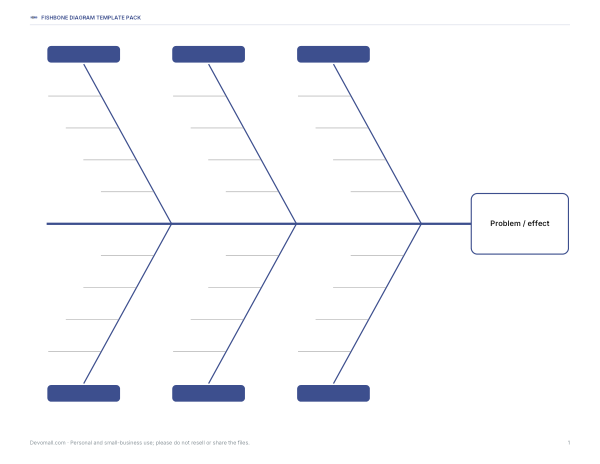 Printable Blank Fishbone Chart1 page · free PDF
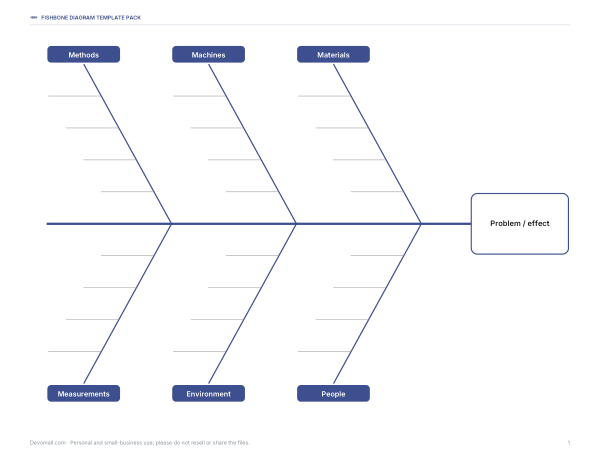 Printable 6M Fishbone Chart1 page · free PDF
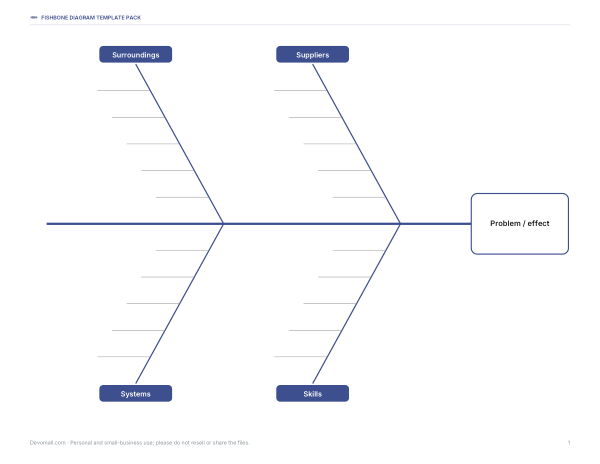 Printable 4S Fishbone Chart1 page · free PDF
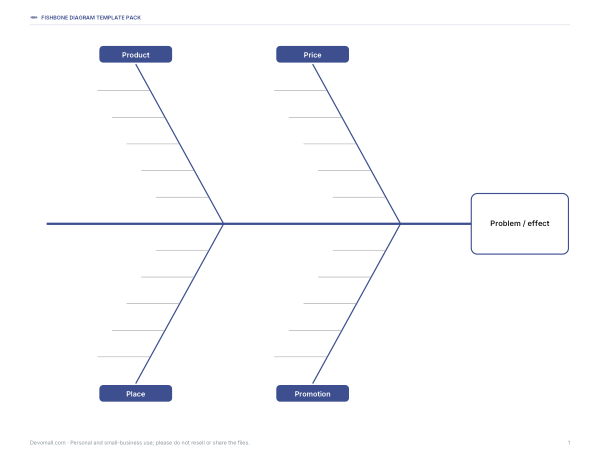 Printable 4P Fishbone Chart1 page · free PDF
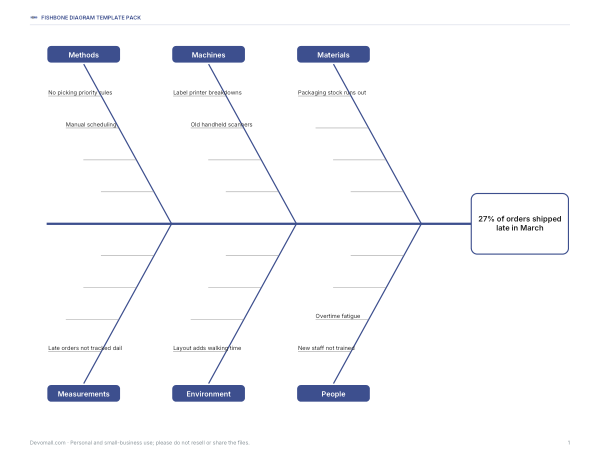 Printable Fishbone Diagram Worked Example1 page · free PDF
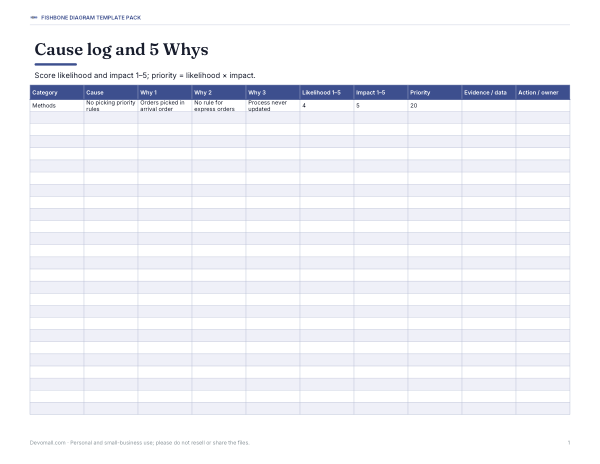 Printable Fishbone Cause Log1 page · free PDF
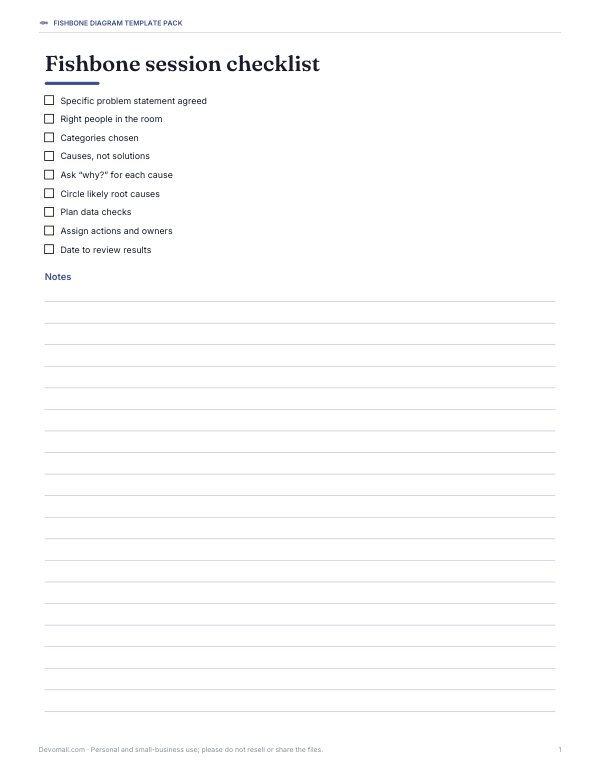 Printable Fishbone Session Checklist1 page · free PDF
How a fishbone chart works
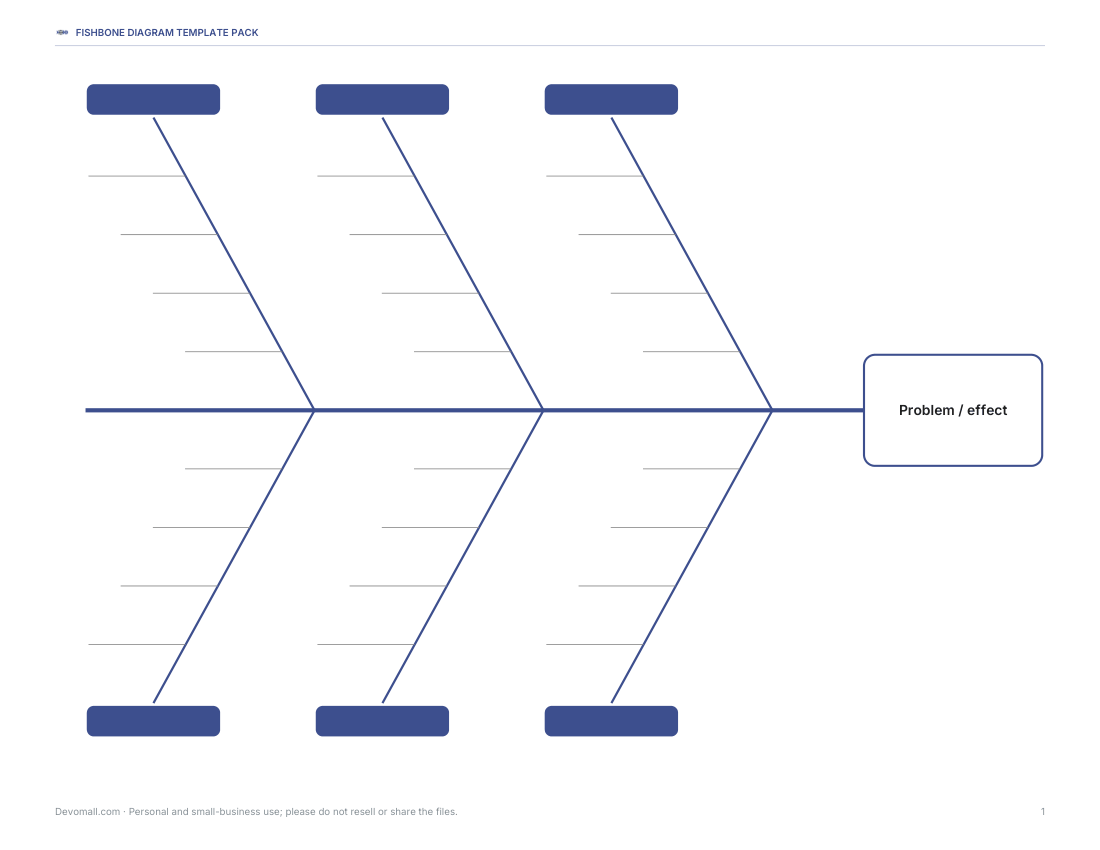
The problem or effect goes in the box at the “head” of the fish on the right. A horizontal spine runs to it, and angled “bones” branch off the spine, each labelled with a category of possible causes. The team adds specific causes as short lines along each bone, and sub-causes branching off those. The finished diagram shows many possible causes at once and makes it easier to see which areas deserve investigation. It was popularised by Kaoru Ishikawa in Japanese quality management and is now a standard tool in Lean, Six Sigma and continuous improvement work.
Choosing cause categories
| Framework | Categories | Typical use |
|---|---|---|
| 6M | Methods, Machines, Materials, Measurements, Mother Nature (Environment), Manpower (People) | Manufacturing and operations |
| 4S | Surroundings, Suppliers, Systems, Skills | Service industries |
| 4P / 8P | Product, Price, Place, Promotion (+ People, Process, Physical evidence, Productivity) | Marketing and sales |
| Custom | Whatever fits your problem | Software, healthcare, education |
Many teams now say “People” rather than “Manpower” and “Environment” rather than “Mother Nature”. The categories are prompts, not rules — rename or add bones if your problem needs it.
Step by step
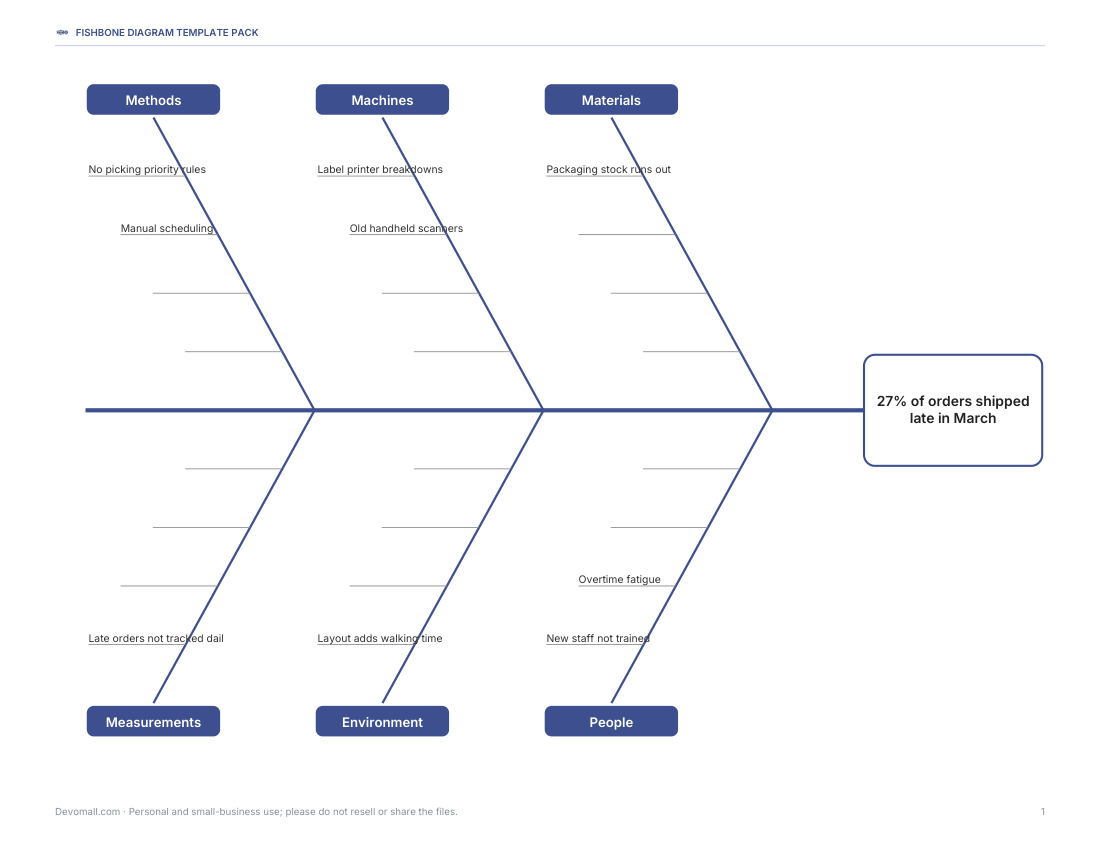
- Agree a clear, specific problem statement: “27% of orders shipped late in March”, not “shipping is bad”.
- Write it in the head box and draw the spine.
- Choose four to six categories and label the bones.
- Brainstorm causes for each category; ask “Why does this happen?” for each one.
- Add sub-causes by asking “why?” again — the 5 Whys technique helps reach root causes.
- Review the diagram and circle the most likely causes.
- Test those causes with data before acting.
- Plan actions for confirmed root causes and assign owners.
Worked example: late customer deliveries
| Category | Possible causes |
|---|---|
| Methods | No priority rules for picking; manual scheduling |
| Machines | Label printer breaks down; old handheld scanners |
| Materials | Packaging stock runs out |
| Measurements | Late orders not tracked daily |
| Environment | Warehouse layout adds walking time |
| People | New staff not trained on the system; overtime fatigue |
After checking data, the team finds that most late orders are picked in the afternoon without priority rules, and that printer breakdowns add delays twice a week. They introduce priority picking and a maintenance schedule, then track on-time delivery for a month.
Running a good session
- Invite people who do the work, not just managers.
- Use a large sheet or whiteboard; the printable A3-scaled template works well on a table.
- Write causes, not solutions — solutions come later.
- Encourage quantity first; group and filter afterwards.
- Avoid blame: focus on processes and conditions.
- Keep the problem statement visible throughout.
Fishbone and other root cause tools
The fishbone chart is good for exploring many possible causes. The 5 Whys dig deeper into one cause. A Pareto chart ranks causes by how often they occur, showing which few causes create most of the problem. A scatter diagram tests whether two variables are related. Teams often use the fishbone first, then 5 Whys and data to confirm the root cause.
What is in the pack
- Blank fishbone diagram (landscape, six bones).
- 6M, 4S and 4P labelled templates.
- Filled-in example for late deliveries.
- Editable Word fishbone template.
- Excel cause log with 5 Whys columns and a simple priority score.
- Facilitator checklist.
Formats
Printable PDF diagrams (US Letter landscape; print on A3 or A4 with “Fit to page”), an editable Word version and an Excel cause log.
Frequently asked questions
What is a fishbone chart?
A cause-and-effect diagram that groups possible causes of a problem into categories along “bones”.
What are the 6Ms?
Methods, Machines, Materials, Measurements, Mother Nature (Environment) and Manpower (People).
Who invented the fishbone diagram?
It is associated with Kaoru Ishikawa, a Japanese quality management expert.
How is it different from the 5 Whys?
The fishbone explores many causes at once; the 5 Whys drills into one cause.
Can I edit the template?
Yes, with the Word version or by writing on the printable PDF.
Was AI used to create the templates?
The diagrams were generated by script and text drafted with AI assistance, then reviewed before publishing.